YOUR FOOTAGE. YOUR RULES.
CLIP IT AI
TYPE IT. CUT IT. SHIP IT.
Drop your clip, type your prompt, and watch subtitles, memes, cuts and style appear on your video.
THE SAME SHOT. A DIFFERENT ENERGY.
GIVE YOUR CLIP
MAIN CHARACTER ENERGY.
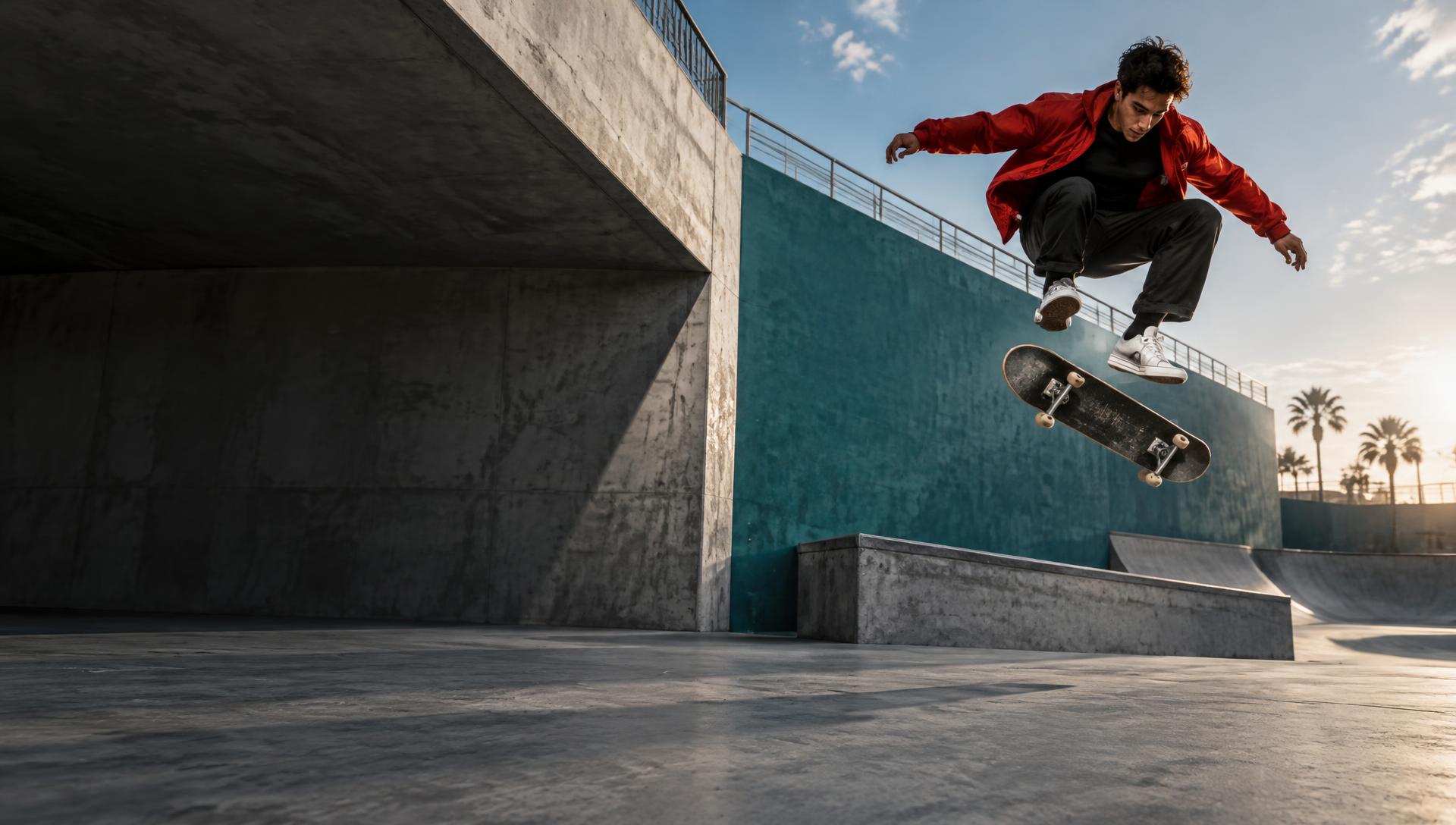
MAKE EVERY FRAME COUNT.
“Give it a cinematic look, add black bars and a bold title.”
01 UPLOAD
Drop in one clip or many.
02 PROMPT
Subtitles, memes, cuts, looks — just ask.
03 PREVIEW
Watch the edit render live.
04 EXPORT
Download in 16:9, 9:16 or Auto.
Everything in one editor
BIG IDEAS. NO LIMITS.
RUNS ON PROMPTS.
PROMPT ANYTHING
One prompt can set the look, title, memes, subtitles, effects and speed — all at once.
SUBTITLES & TEXT
Auto subtitles that follow the speech, plus titles you drag anywhere on screen.
MEMES & STICKERS
Built-in memes, emoji reactions, your own uploads, and AI-made pictures.
REAL EDITING TOOLS
Trim, split, reorder, reverse, slow-mo, crop and rotate every clip.
STACK CLIPS
Put videos on top of videos, as many layers as you want.
MUSIC & AUDIO
Add a track, mix the levels, mute or keep clip sound.
PRO EXPORT
720p, 1080p or 4K at 24, 30 or 60 fps, in MP4 or WebM.
MADE FOR SOCIAL
One-tap TikTok, YouTube and Shorts presets with a safe-zone guide.
Mode 01
TELL THE AI
"Make it black and white, add subtitles, put memes in, slow motion at the start" — one prompt does it all.
TRY AI MODEMode 02
DO IT YOURSELF
Timeline, trims, splits, layers, color sliders, memes and undo — beginner simple, pro when you want it.
TRY MANUAL MODE